Adding Email to Phone:
1. Set up email
2. When there, enter in your email and password then continue on and answer the questions about what device you want to set it up on
3. Once all thats entered it will give you detailed instructions on adding it
Locking your email:
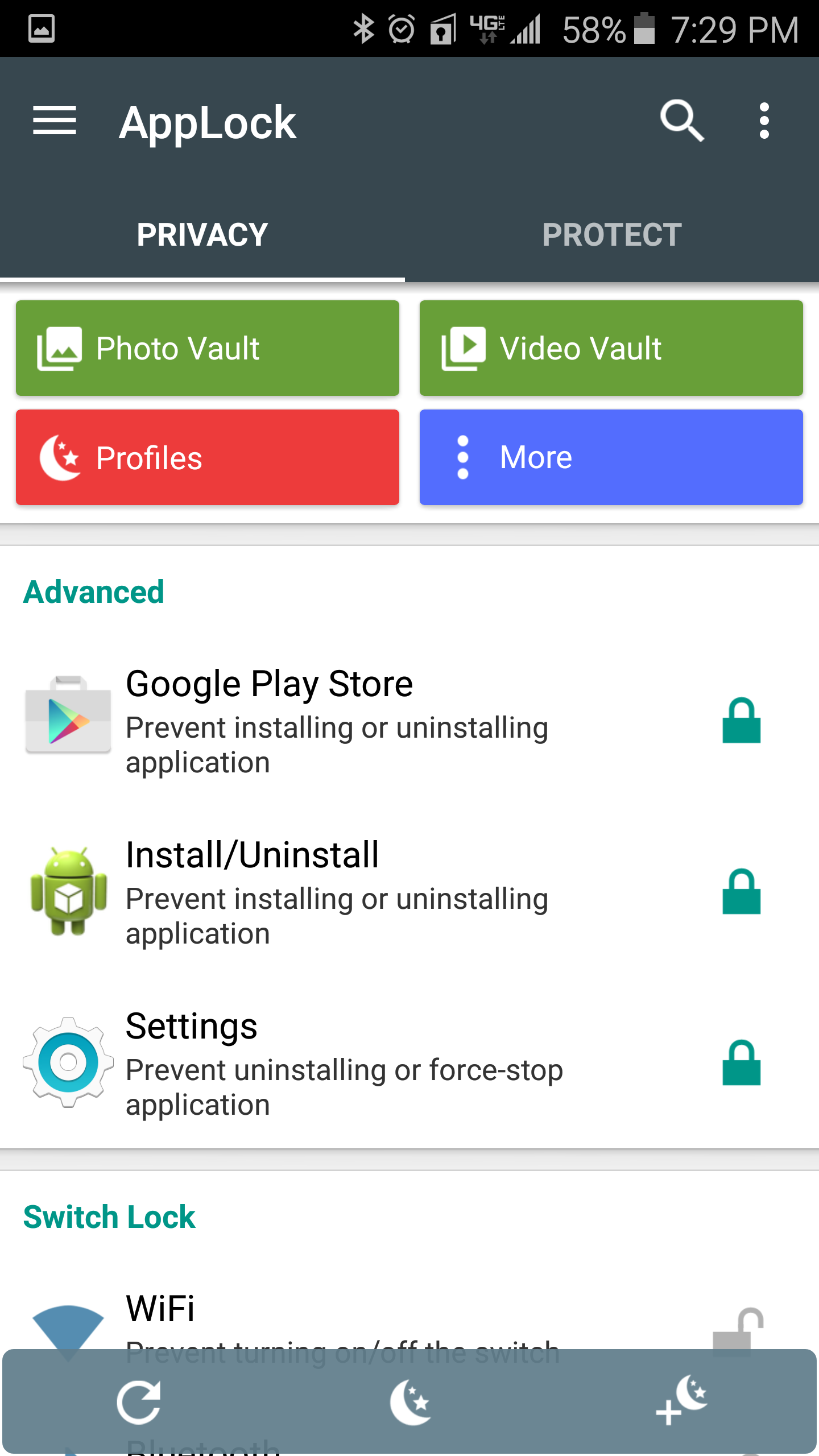
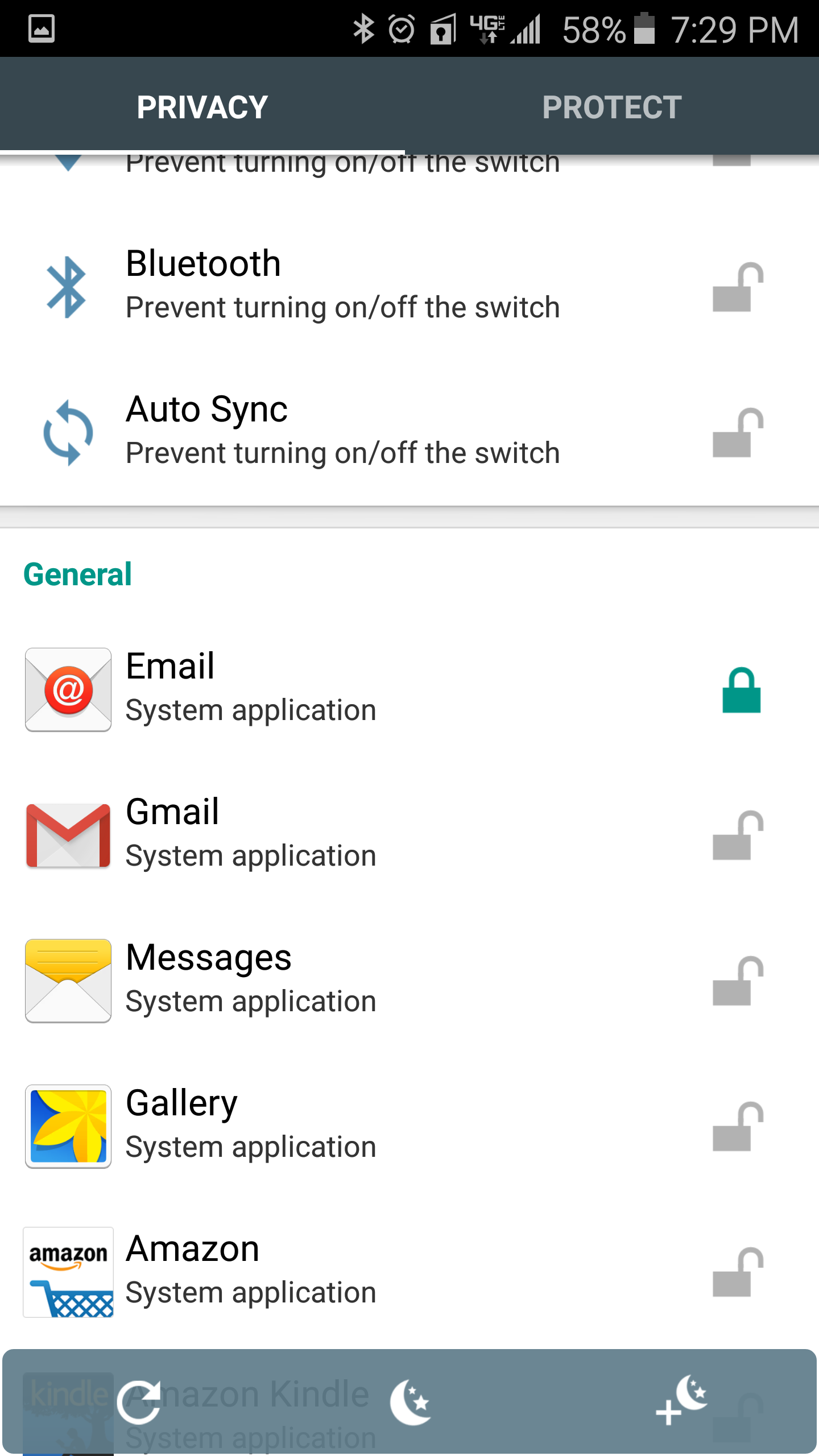
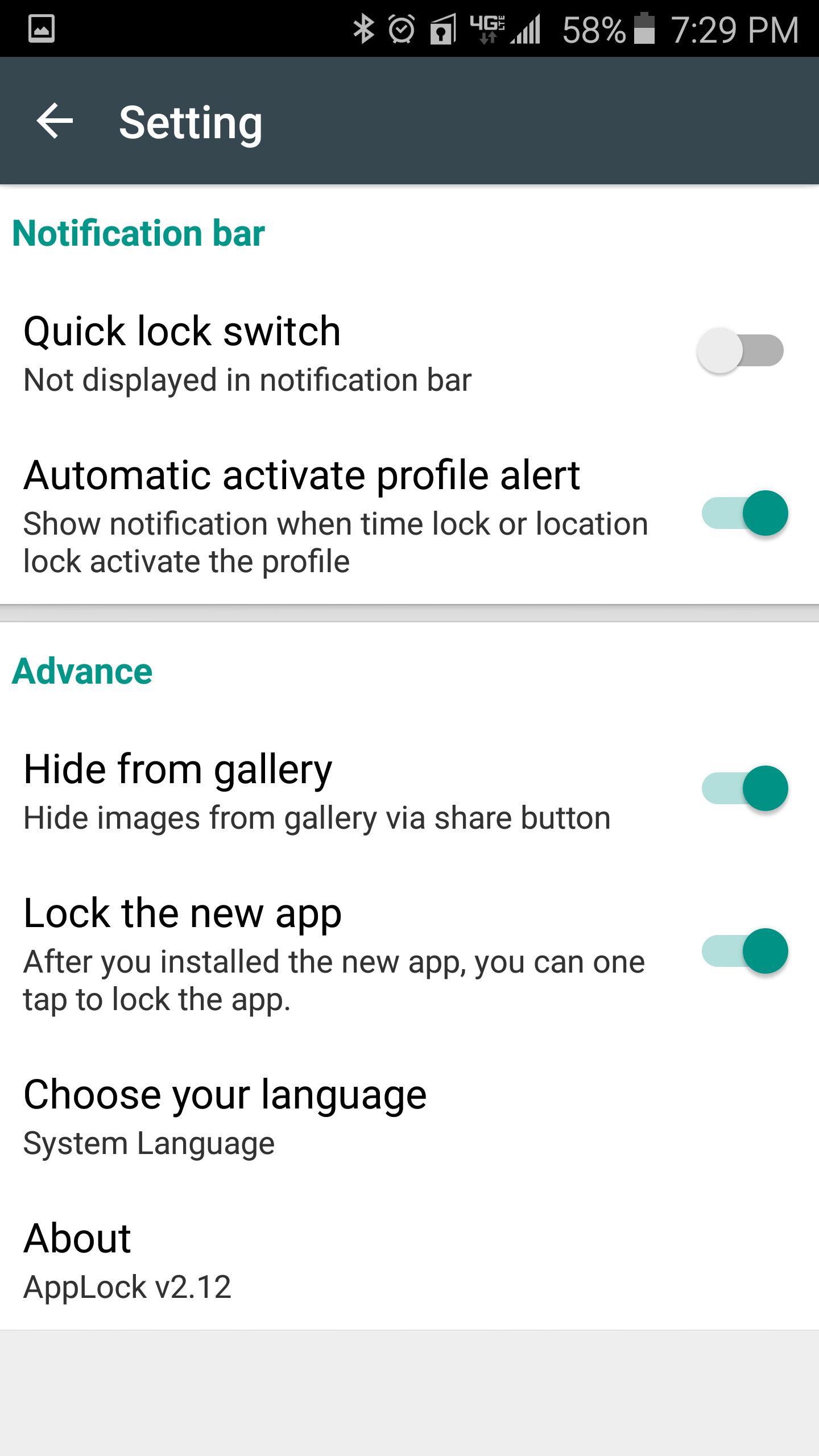
1. Download AppLock from the google play store and install it

0 Comments