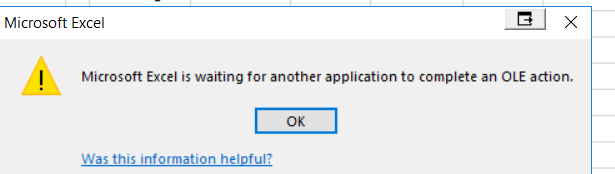
Microsoft Excel is waiting for another application to complete an OLE action and Excel freezes up.
Open a separate instance of Excel and go to File -> Options -> Advanced -> then scroll down in there under "General" and check the box that says "Ignore other applications that use Dynamic Data Exchange (DDE)". Then click ok.
Close all open excel instances. (Use task manager and end all excel processes if required).
0 Comments