- Open LastPass shortcut on your desktop

- Login if required
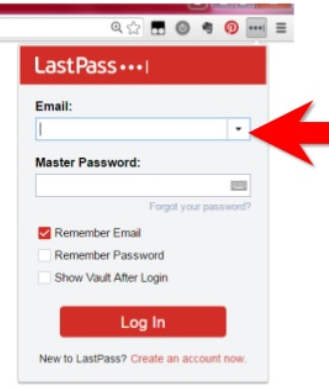
- Type the name in the search bar

- Right click the box of the application that pops up
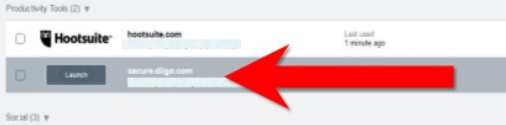
- Select “Copy password” and left click
- Open the application you want and press “Ctrl + V” to paste
- Repeat steps 3-5 to copy and paste username if needed
Lastpass Instructions
David Hoenk -
0 Comments